Each Republic of Hackerland Passport has an NFC sticker embedded in its cover. We built an API that allows you to sign into websites with it. It’s called ID. Here’s how to try it:
Step 1: Click the “Sign In with Passport” button below.
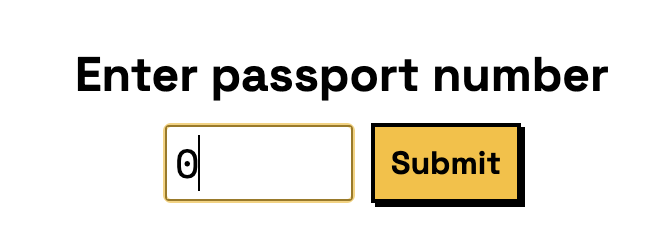
Step 2: When prompted for your passport number, enter “0”.
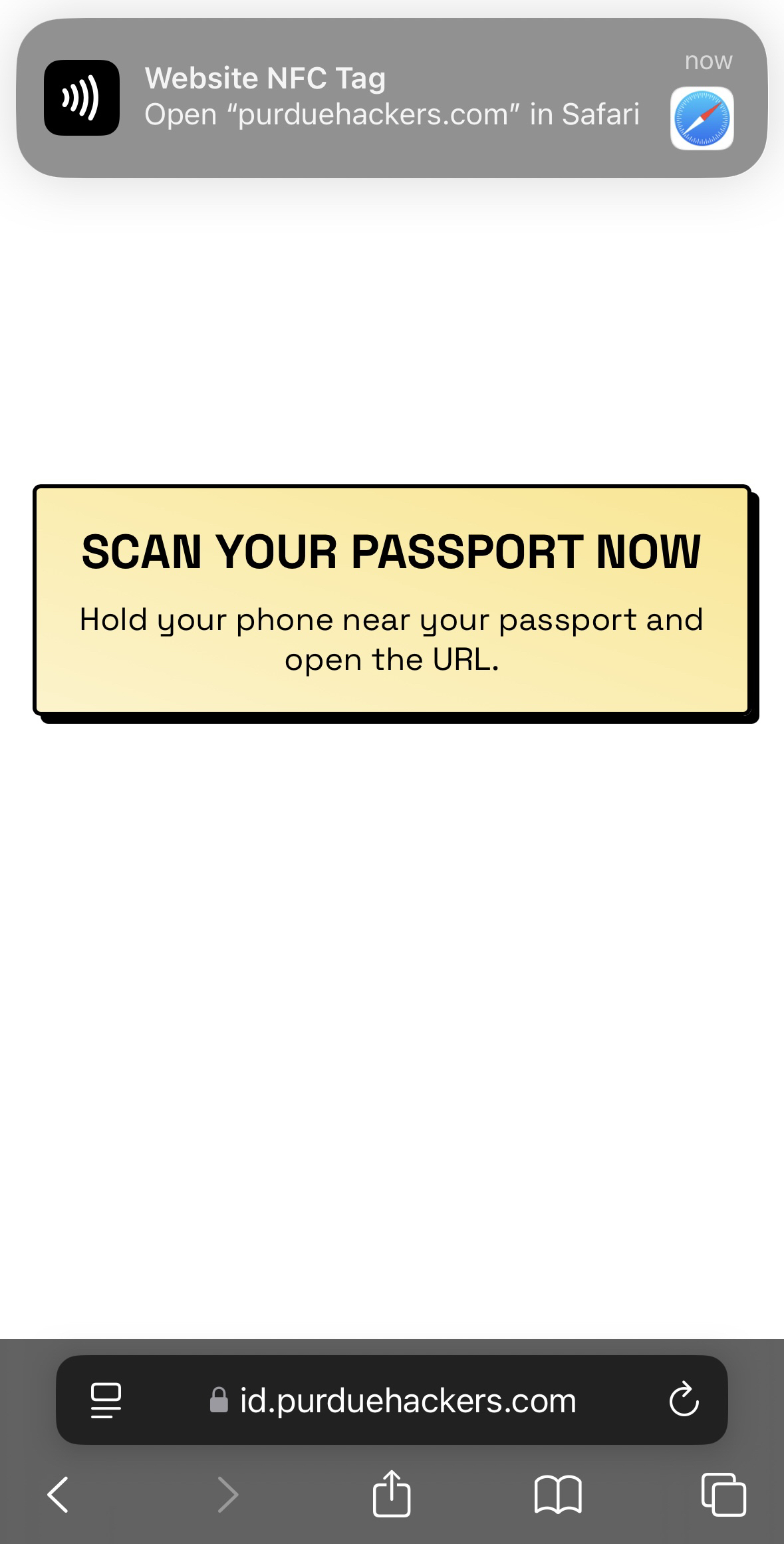
Step 3: When prompted, hold your phone up to the passport again and open the link. (It’ll be a different link this time!)
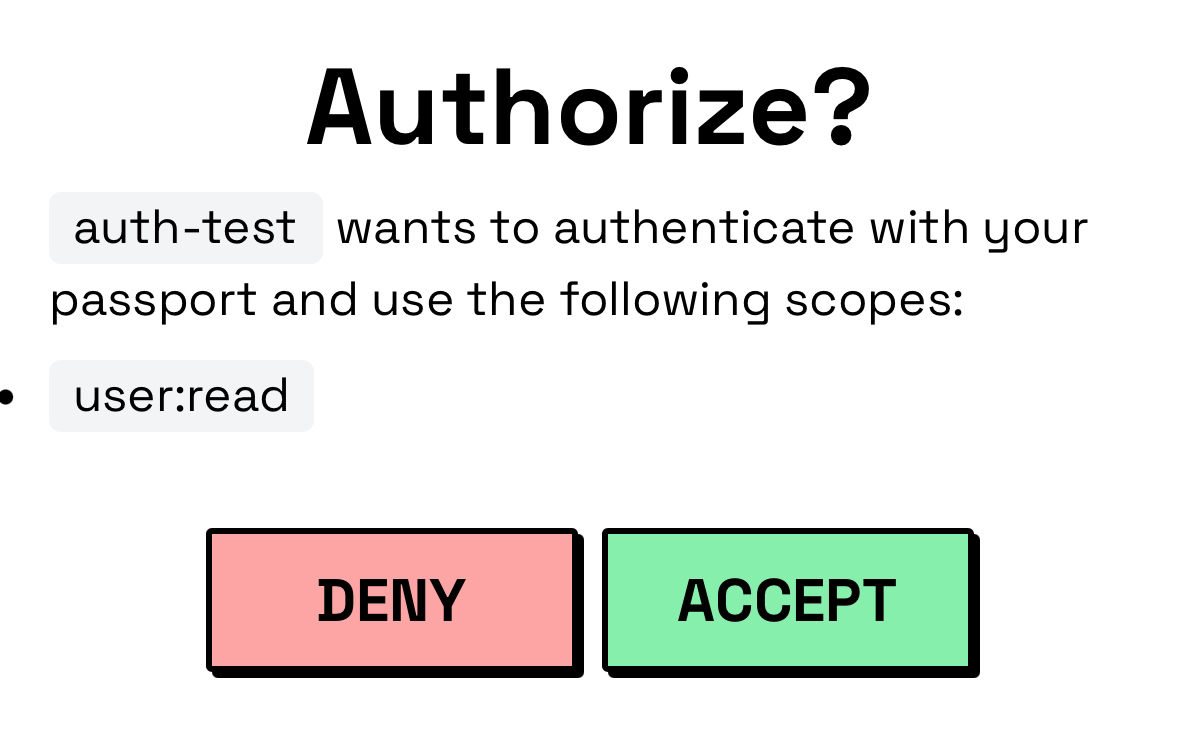
Step 4: When prompted to “Authorize?”, click “Accept”.
Step 5: Profit!
Sign In with Passport Learn more about ID Learn more about passports